Server Tags and Enhanced Role Styles, explained.
Discord's two newest boost perks don't sit on the level ladder. Each one costs its own boosts, and turning them on without budgeting for that is how a lot of servers lose a level.

What they cost
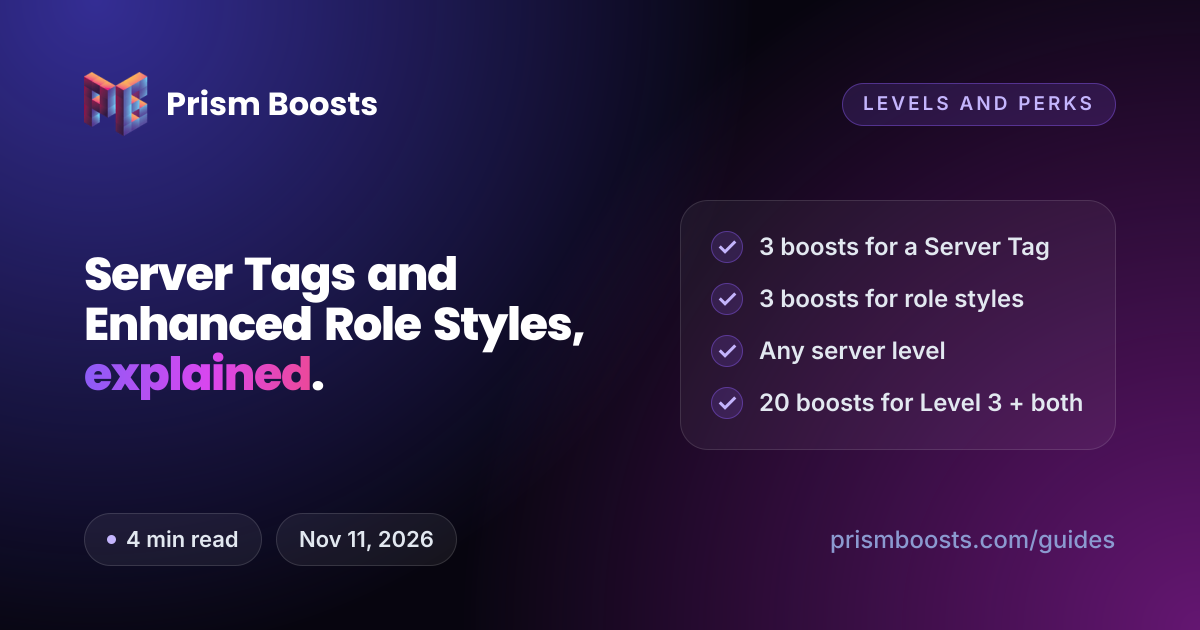
- 3 boosts for a Server Tag
- 3 boosts for Enhanced Role Styles
- 20 boosts for Level 3 with both
Discord calls these perks rather than level rewards. They're paid for with unallocated boosts, meaning boosts your level isn't already using. People often miss this part: Discord takes those boosts out of the count that sets your level.
| Boosts on the server | Extras turned on | Boosts left for the level | Level |
|---|---|---|---|
| 14 | None | 14 | Level 3 |
| 14 | Server Tag | 11 | Level 2 |
| 17 | Server Tag | 14 | Level 3 |
| 20 | Both | 14 | Level 3 |
| 6 | Both | 0 | No level |
Try your own numbers in the boost calculator. Toggle the extras and it shows the level you'd end up on.
Server Tags
A Server Tag is a short label, up to 4 characters, paired with a badge and a colour. Members who choose to wear it get the tag next to their display name across Discord: in other servers, in DMs and on their profile.
Tags are worth more than they look, because every member who wears yours is a small advert for your server wherever they chat. Anyone curious can select the tag to see where it's from.
- Tags can use letters, numbers and some symbols, but no spaces or emoji.
- They aren't unique. Two servers can pick the same 4 characters, so the badge and colour help yours stand out.
- Wearing a tag is opt-in. Members turn it on from their own profile settings, and only one tag can be worn at a time.
How to set up a Server Tag
- Make sure the server has 3 unallocated boosts, on top of whatever your level needs.
- On the desktop app, open Server Settings and go to the Server Boosts section.
- Put 3 boosts toward the Server Tags perk.
- Open the Server Tag settings, type your tag, and pick a badge and colour.
- Save, then tell your members. They choose your server under the Server Tag option in their profile settings.
Enhanced Role Styles
Normally a role has one flat colour. Enhanced Role Styles adds two more options:
- Gradient: the name fades between two colours.
- Holographic: a shimmering, animated effect.
They're popular for staff, supporters and top-tier member roles, because the name stands out in chat and in the member list without needing a role icon.
How to turn on Enhanced Role Styles
- Make sure the server has 3 unallocated boosts.
- On the desktop app, open Server Settings, then Server Boosts, and put 3 boosts toward Enhanced Role Styles.
- Go to Roles, open a role, and choose a gradient or holographic style under its colour settings.
What happens if the boosts run out
Unlike level perks, these don't get a grace period:
- Server Tags stop showing next to members' names as soon as the 3 boosts paying for them leave.
- Enhanced Role Styles revert. Gradient and holographic roles go back to a solid colour.
Put 3 unallocated boosts back toward a perk to turn it on again. The safest setup is a buffer above the 20 you need, so one expiring boost doesn't switch anything off.
How many boosts to buy
| Goal | Boosts needed | Our matching package |
|---|---|---|
| Server Tag only | 3 | 8x, with Level 1 as well |
| Level 2 + Server Tag | 10 | 14x |
| Level 3 + one extra | 17 | 20x |
| Level 3 + both extras | 20 | 20x, or 30x for a buffer |
The 20x package is built for this: 14 boosts hold Level 3 and 6 pay for both perks. 30x adds 10 spare on top, so a dropped boost never costs you a perk.
Level 3 + both extras from $8.99
20 boosts covers Level 3, a Server Tag and Enhanced Role Styles.
Common questions
How many boosts do you need for a Discord Server Tag?
3 boosts that aren't holding your server level. Server Tags work at any level, so a server with 3 boosts can have one, but it has no level left over.
Do Server Tags need Level 3?
No. Server Tags and Enhanced Role Styles are separate from the level ladder. Each one needs 3 unallocated boosts.
How many boosts for Level 3, Server Tags and gradient roles?
- Level 3 takes 14, and each of the two perks takes 3 more.
Why did my server drop a level when I turned on Server Tags?
The 3 boosts for the tag came out of the boosts holding your level. With 14 boosts, turning on a tag leaves 11 for the level, which is Level 2. Add 3 boosts to get Level 3 back.
Can I set up Server Tags on mobile?
No. Discord only lets server owners and admins turn on and configure Server Tags and Enhanced Role Styles from the desktop app.